
If you’re trying to choose the best 3D sculpting and modeling software for sculpture design, you’re in the right place.
There are a lot of options out there—some are free, some are pro-level, and some are built specifically for 3D printing and organic shaping. The trick is finding the one that matches your workflow, skill level, and budget.
In this guide, I’ll break down the top 10 practical tools so you can quickly compare the best choices for beginners, hobbyists, and professional sculptors. Let’s dive in.
What is 3D Sculpting and Modeling Software?

3D sculpting and modeling software are digital tools that allow artists and designers to create, modify, and refine three-dimensional objects. These programs simulate traditional sculpting techniques, enabling users to shape virtual clay, add fine details, and craft complex forms.
| Key Functions | Description |
|---|---|
| Sculpting | Digital clay modeling, detailed surface work |
| Modeling | Creating geometric shapes, precise structures |
| Texturing | Applying realistic surface materials |
| Rendering | Visualizing the final design with lighting and effects |
Why Artists and Designers Use 3D Software
Choosing 3D software for sculpture projects offers several advantages:
– Precision and Flexibility: Easily modify designs without starting over.
– Creative Freedom: Experiment with organic shapes and complex details.
– Efficiency: Speed up workflows compared to traditional methods.
– Preparation for Manufacturing: Export models ready for 3D printing, CNC, or laser cutting.
– Versatility: Suitable for character design, architectural art, or decorative sculptures.
Using digital sculpture software bridges the gap between artistic vision and physical production, making it an essential tool for modern artists and designers.
Criteria for 3D Sculpting and Modeling Software

When I choose 3D sculpting software for sculpture design, I focus on what actually helps move a concept into a real build. The best tools are not just powerful — they also fit the workflow, the team, and the budget.
What I look for
| Criterion | Why it matters | My focus |
|---|---|---|
| Core sculpting tools | Needed for form building and detail work | Brushes, mesh editing, organic shaping |
| Export compatibility | Important for fabrication and 3D printing prep | Common file support like STL and OBJ |
| Usability | Saves time and reduces friction | Clean layout, easy learning curve |
| System support | Avoids workflow issues | Works on the devices and OS I already use |
| Cost model | Impacts long-term value | Free, subscription, or one-time license |
| Production readiness | Turns digital art into physical output | Retopology, repair, thickness, and slicing tools |
Compatibility, usability, and cost
For modeling software for sculpture, I keep it simple:
- Compatibility: I want software that can move cleanly between design, rendering, and fabrication.
- Usability: I prefer tools that are fast to learn but still strong enough for advanced work.
- Cost: I compare the price against the features I will actually use, not just the brand name.
A good digital sculpture software option should support both early concept work and final prep for production. That matters even more when a project is going into custom fabrication, where design accuracy and build readiness have to line up. For sculpture projects that end in physical stainless steel work, the bridge between digital design and fabrication is a big part of the decision, as shown in our custom stainless steel sculpture commission guide.
Quick selection rule
- Organic forms: choose mesh sculpting tools
- Geometric or structural forms: choose CAD-friendly tools
- Budget-limited users: start with free 3D sculpting tools
- Advanced production needs: pick professional 3D sculpting apps with repair and export features
Top 10 Practical 3D Sculpting and Modeling Software for Sculpture Design

When I choose 3D sculpting software for sculpture design, I look for tools that balance creative freedom, clean export, and real production use. The best digital sculpture software depends on whether the work is organic, geometric, or meant for fabrication.
- Blender — A strong open-source option for sculpting, mesh editing, and export-ready modeling.
- ZBrush — A top choice for high-detail organic forms and character sculpting.
- Mudbox — A simple Autodesk sculpting tool for detailed surface work and painting.
- Sculptris — A free, beginner-friendly option for quick concept shaping.
- 3D-Coat — Useful for sculpting, retopology, and texture work in one workflow.
- Meshmixer — Handy for fast edits, hollowing, and 3D printing prep.
- Cinema 4D — Known for modeling and animation, especially in visual presentation workflows.
- Maya — A broad 3D modeling and animation suite for complex projects.
- 3ds Max — A reliable modeling tool for detailed forms and architectural-style sculpture work.
- Houdini — Best for procedural modeling and advanced effects-driven designs.
For finish planning and surface reference, I also pay attention to material details early, especially when the final piece is metal-based. A practical guide like how to color stainless steel and choose finish methods helps connect digital surface design with real-world fabrication.
In practice, the right top 3D modeling programs come down to three things:
- Ease of use for beginners
- Advanced control for professionals
- Compatibility with your production workflow
For sculpture design, I keep the focus on tools that support both artistic shape-making and technical output. That is what makes a software stack useful for real 3D modeling for artists and professional 3D sculpting apps.
3D Sculpting and Modeling Software: Features vs. Usability
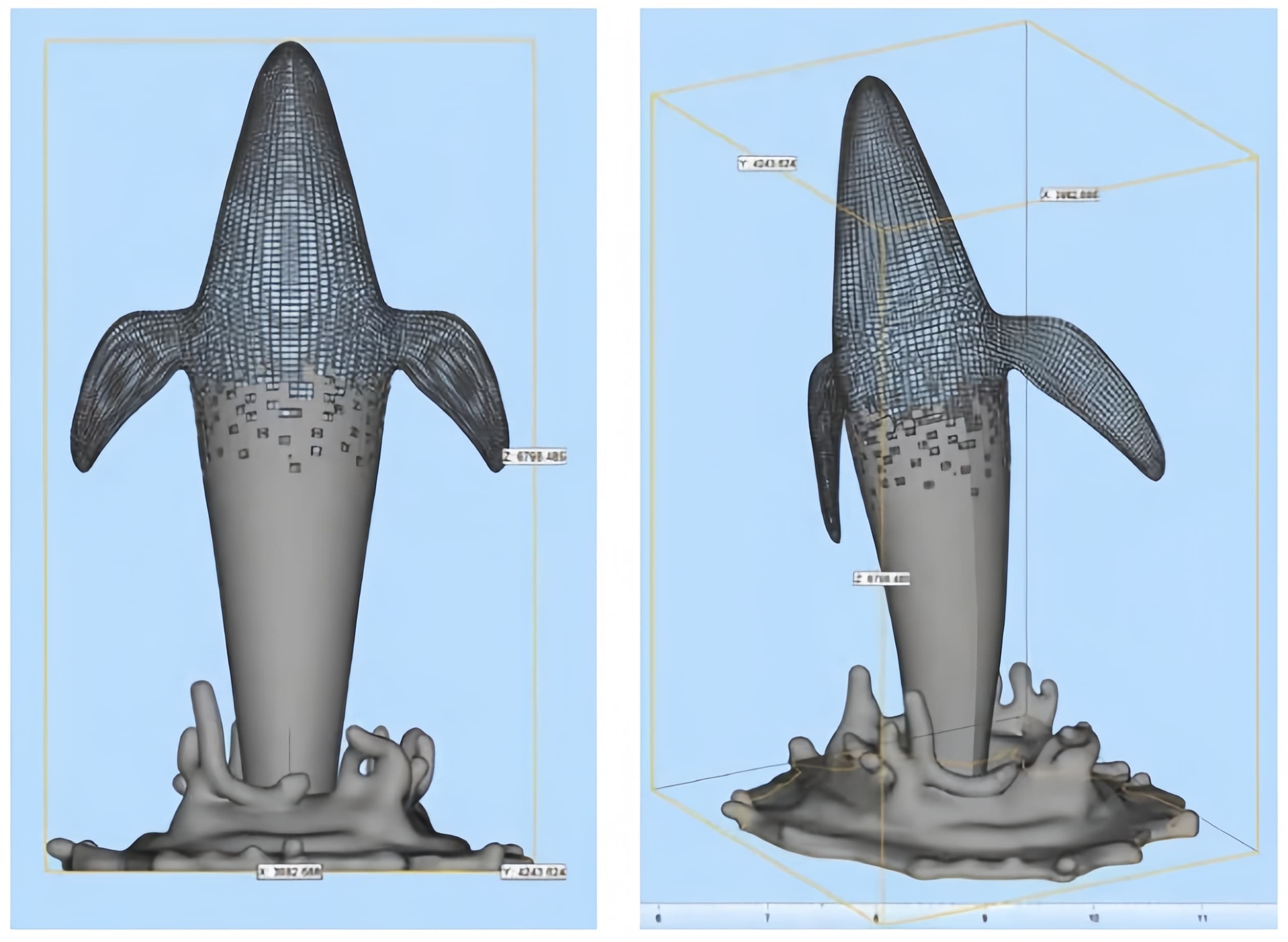
I compare digital sculpture software by three things: how fast I can learn it, how stable it runs with heavy meshes, and how cleanly it moves into fabrication.
| Area | Best fit | What I look for |
|---|---|---|
| Beginner learning curve | SculptGL / Sculptris, Nomad Sculpt, Blender | Simple brushes, fast form blocking, easy concept work |
| Advanced control | ZBrush, Rhino 3D, Autodesk Fusion | High-detail sculpting, NURBS or parametric modeling, structural accuracy |
| Prep for production | MeshMixer / FreeCAD | Repair, hollowing, thickness checks, slicing |
| Surface presentation | Adobe Substance 3D Painter | Material preview for metal finishes and texture ideas |
Usability
- Organic forms: I use mesh sculpting tools for flowing, expressive shapes.
- Geometric work: I rely on CAD-style tools when the sculpture needs clean lines or support structure.
- Fabrication output: I prefer software that handles STL, OBJ, or CAD-ready workflows without extra friction.
Performance and stability
- High-poly sculpting can slow down fast, so mesh size matters.
- Retopology and decimation are important when a model needs to move from screen to workshop.
- For large projects, I look for tools that stay stable during long editing sessions.
Pricing and licensing
- I separate tools by license type first: open-source, lightweight, or commercial.
- The real cost is not only the software itself, but also the learning time and production fit.
- For my workflow, I only commit to heavier platforms when the extra control is worth it.
How to Choose the Right 3D Sculpting Software for Your Needs
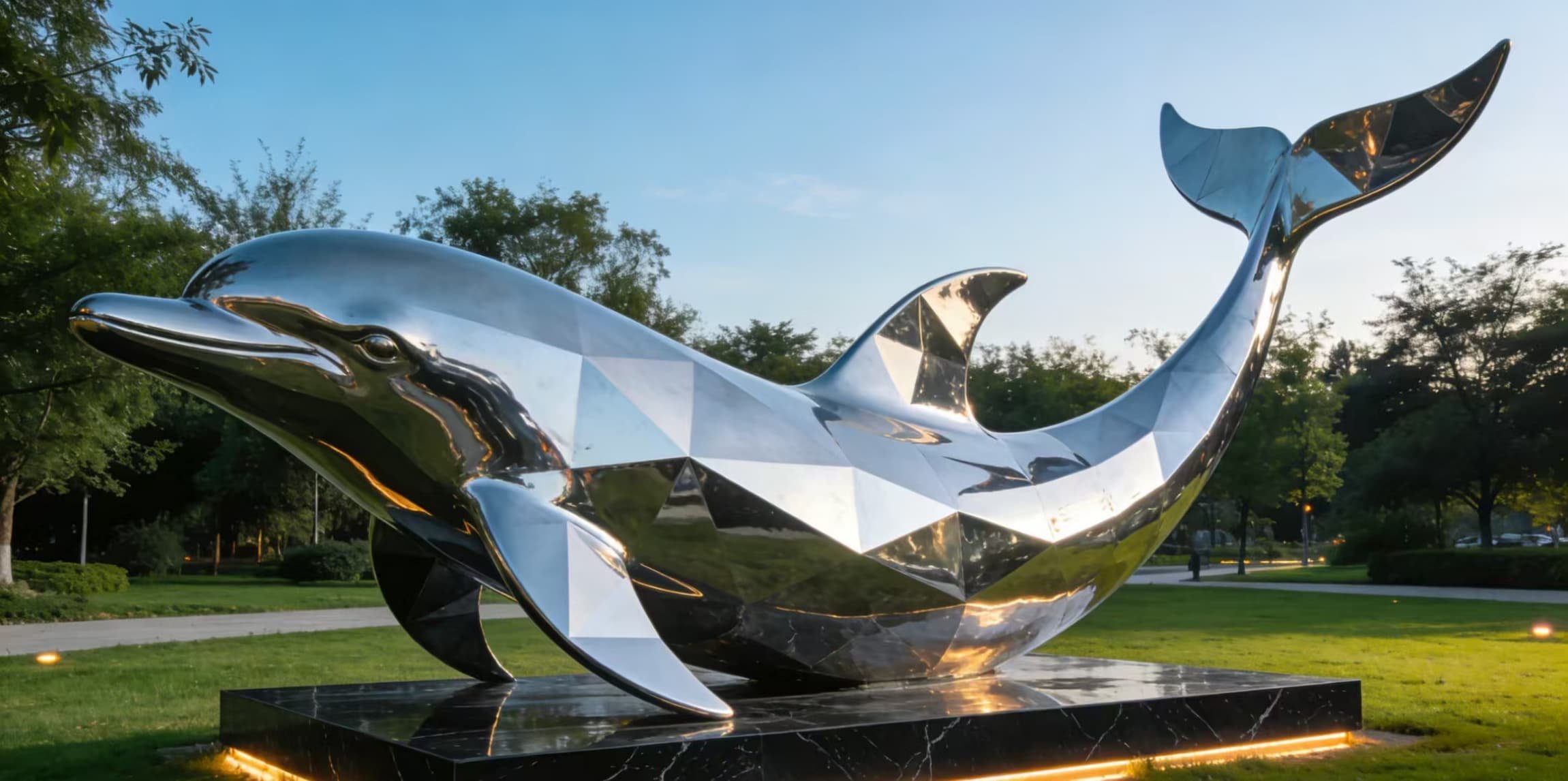
Choosing the best 3D sculpting and modeling software depends on your skill level and project goals. If you’re just starting out, look for beginner-friendly options like Sculptris or Meshmixer, which make it easy to learn the basics. More advanced users working on detailed sculptures or complex effects should consider industry-standard tools like ZBrush or Houdini.
Try demo versions before making a final decision. Most professional 3D sculpting software offers trial periods, allowing you to test features and see how the interface suits your workflow. This helps prevent costly investments in tools that don’t match your needs.
Community support and tutorials are crucial. A strong user community can provide valuable tips, troubleshooting, and inspiration, especially when you’re learning new software. Check online forums, official tutorials, and user groups to ensure you’ll have plenty of resources as you develop your skills.
Matching your software choice with your project requirements and skill level ensures smoother workflows and better results. Whether you’re creating digital sculptures for artistic projects or preparing models for metal fabrication, selecting the right tool makes all the difference in transforming digital ideas into physical art.
FAQs About 3D Sculpting and Modeling Software
What is the best free 3D sculpting software?
For free 3D sculpting tools, I usually start with Blender because it covers sculpting, modeling, and export in one place. Sculptris is also a simple choice for fast concept work, and Meshmixer is useful when I need cleanup and 3D printing prep.
Can I use multiple software tools together?
Yes. In real production, I often mix tools because no single app does everything well.
- ZBrush or Blender for detailed digital sculpture
- Rhino or Fusion for cleaner geometric modeling
- Meshmixer or FreeCAD for repair, hollowing, and prep
- Substance 3D Painter for material previews
That workflow is common when a model needs to move from idea to fabrication.
Which software is best for character design?
For character sculpting software, ZBrush is the most recognized option for fine detail and organic forms. Blender is a strong all-around choice if I want one tool for sculpting, modeling, and rendering.
How steep is the learning curve for beginners?
It depends on the tool.
- Beginner-friendly: Sculptris, Nomad Sculpt, Meshmixer
- Moderate: Blender, Mudbox
- Advanced: ZBrush, Maya, Houdini
If I’m new, I keep it simple and focus on form first, then detail later.
What hardware do I need for smooth sculpting?
For smooth 3D modeling for artists, I look for:
- A modern computer
- A capable GPU
- Enough RAM for larger meshes
- A tablet or pen input for better control
Heavier models and high-detail sculpting need more system power, especially in professional 3D sculpting apps.
How do I optimize models for 3D printing?
I keep the model clean and fabrication-ready by checking:
- Wall thickness
- Hollowing
- Mesh repair
- Slicing or unfolding
- Structural support
Tools like Meshmixer and FreeCAD help with this step, especially when I need to turn a digital sculpture into a manufacturable file. For projects that move from concept to physical metal fabrication, a structured sculpture design workflow is often the fastest path, similar to a free sculpture design service.
Tips for Getting Started with 3D Sculpting Software
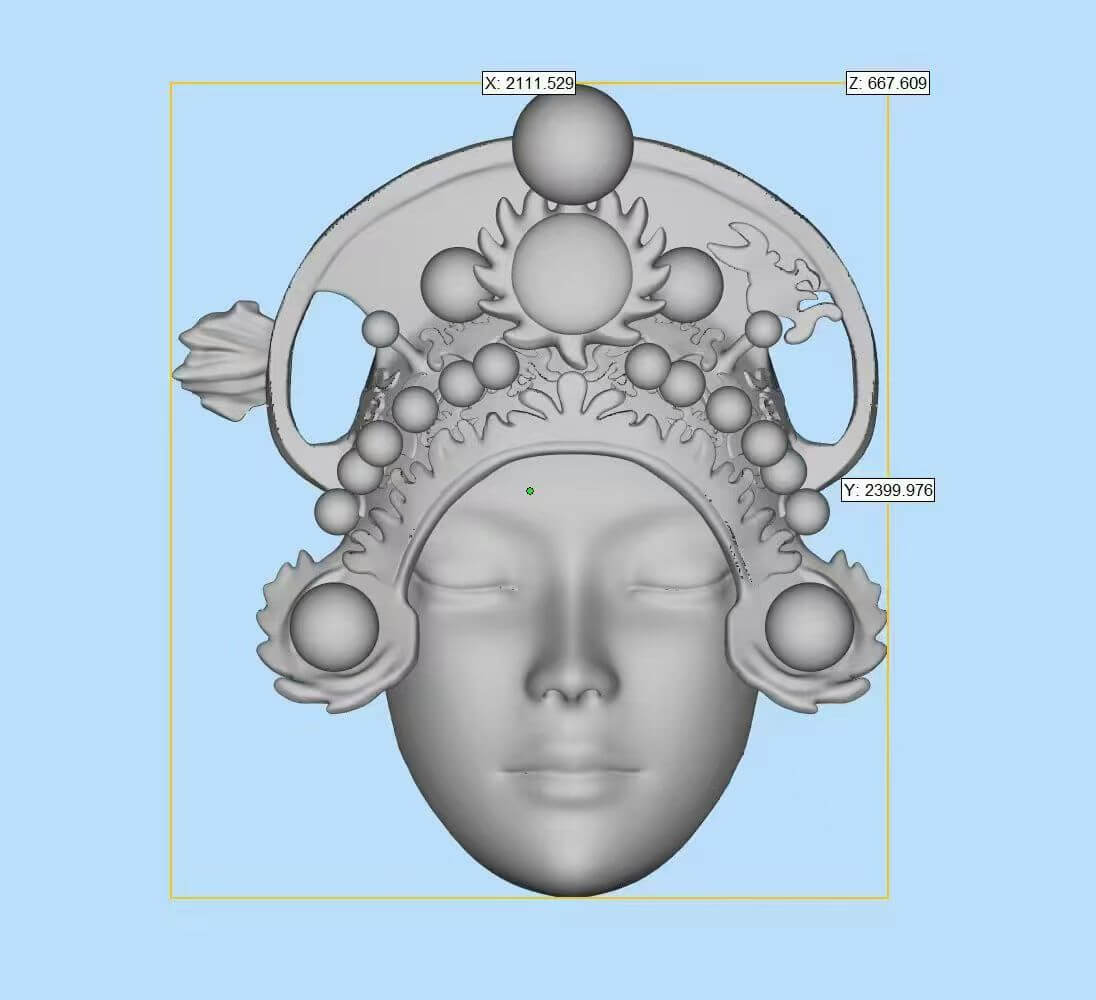
I keep the first steps simple: choose one beginner 3D sculpting software, build one small model, and focus on steady progress instead of trying to master every tool at once.
| Tip | What I do |
|---|---|
| Start easy | I begin with beginner-friendly tools like Sculptris or Meshmixer for simple forms and basic edits. |
| Use tutorials | I follow short tutorials and join user communities to pick up faster workflows and avoid common mistakes. |
| Practice often | I work in short sessions so my hand control and shape sense improve over time. |
| Test different tools | I try a few digital sculpture software options before settling on the one that fits my style. |
Simple starting habits
- Pick one of the best 3D sculpting tools first.
- Keep early projects small and clean.
- Learn basic sculpting, smoothing, and mesh repair before moving to advanced features.
- Save versions often so I can compare results.
- If a model may become a physical piece, I plan for fabrication early and keep a stainless steel construction team experienced in custom fabrication in mind.
Best first move
For most beginners, the fastest win is this:
- Open a free or simple sculpting app
- Practice one basic shape each day
- Repeat until the workflow feels natural
That approach makes 3D modeling for artists feel less overwhelming and helps build a real base for more advanced professional 3D sculpting apps later.